
Documentation
Welcome to TradingWizard
One product: AI trading bots. Deploy a bot on any chart, watch it read the market with real data, and let it find setups for you -- with Wiz on hand to explain every call.
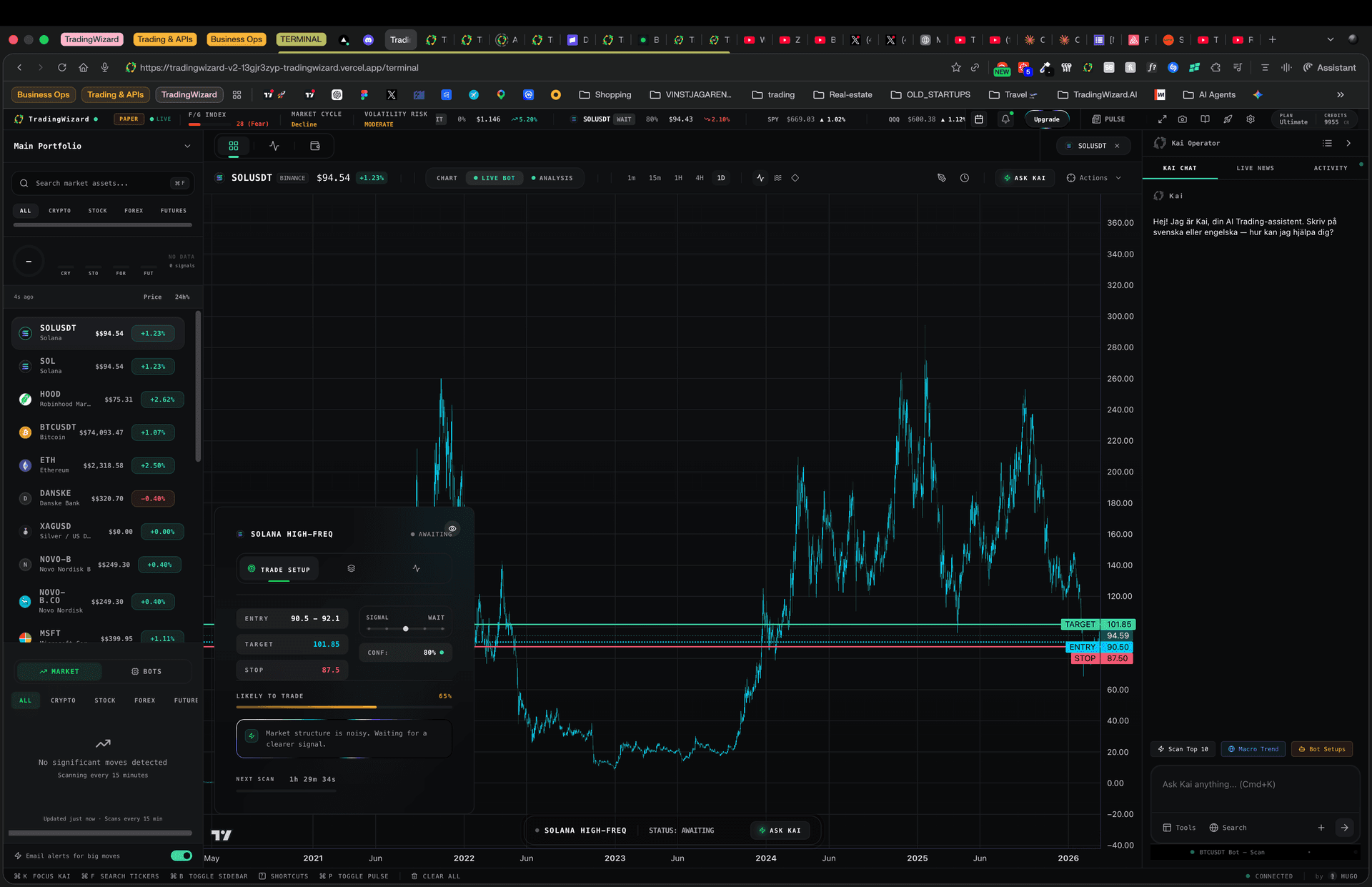
The TradingWizard Terminal: charts, watchlist, bots and Wiz AI in one workspace.
Start here
Trading Bots
Deploy a bot on any chart. It watches with real data, reads the chart, and finds setups for you.
Learn moreWiz AI Assistant
Chat with Wiz to command your bots, dig into a market, and run deep research in natural language.
Learn moreDeep Research
Institutional-style research reports on any asset or theme, grounded in live web data. Free to read; Ultimate generates 10/month.
Learn moreSignals Flow
Live feed of trade setups found by your Wiz bots, ranked by confidence.
Learn moreEverything Else
How Bots Read Charts
What your bot produces on every scan: verdict, entry zone, stop, target, and confidence.
Portfolio
Import trades via CSV or connect exchanges. Track PnL, win rate, and get AI suggestions.
Market Data
On-chain whale tracking, SEC filings, and real-time data across crypto, stocks, and forex.
Notifications
Get alerted when bots find setups, trades hit targets, or market events happen.
Discord
Route bot alerts and trade signals directly to your Discord server.
Exchanges
Connect Binance, Bybit, and more to sync portfolios. Read-only: syncing never places a real order.
Risk Management
Set position sizing, drawdown limits, and exposure caps enforced on every trade.
Webhooks
Receive real-time events for bot actions, signals, and alerts via webhooks.
REST API
Build custom integrations with programmatic access to all platform features.
Keyboard Shortcuts
Navigate the terminal like a pro. Quick-switch charts, open Wiz, manage bots.
Academy
AI-generated daily lessons on strategy, risk management, market structure, and macro.
Browser Extension
Overlay Wiz AI analysis on any TradingView chart and act on setups without switching tabs.
